4696 N. High St. Columbus, OH 43214Mon–Fri: 10:00am – 5:30pm  |  Sat–Sun: Closed
Call Now: 614-267-1400

Computer Repair Tips & Guides

Free how-to guides from our technicians. Learn common laptop repairs and maintenance tips.

How to replace wireless card on Laptop (HP Hewlett Packard)

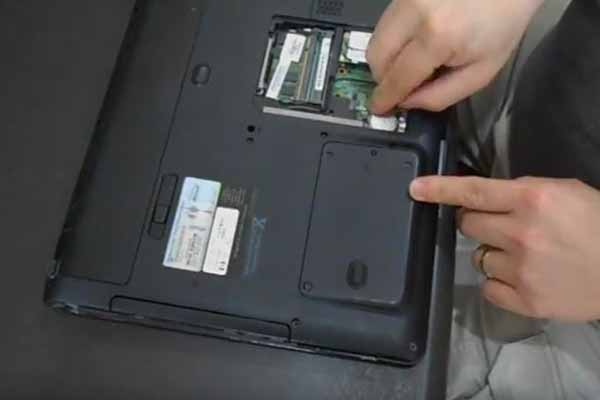
How to Replace the Wireless Card on an HP Laptop

Is your laptop dropping Wi-Fi or not detecting any networks? A failing wireless card may be the culprit. This guide walks you through replacing the wireless card on an HP laptop step by step.

Read Guide
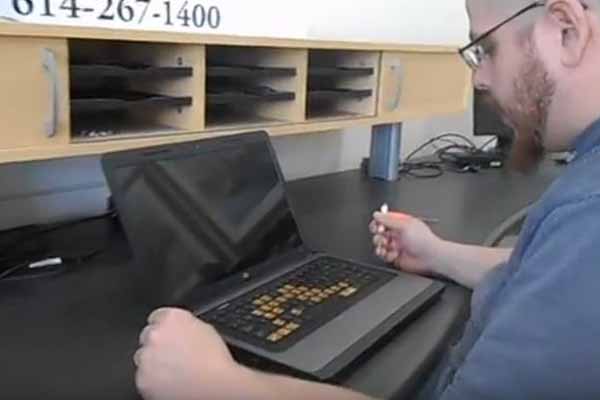
How to replace RAM on laptop (HP Hewlett Packard)

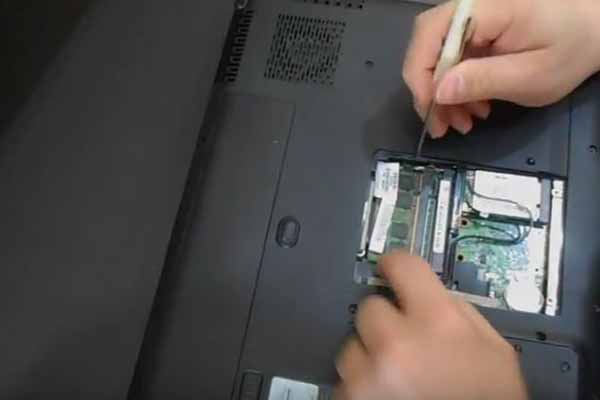
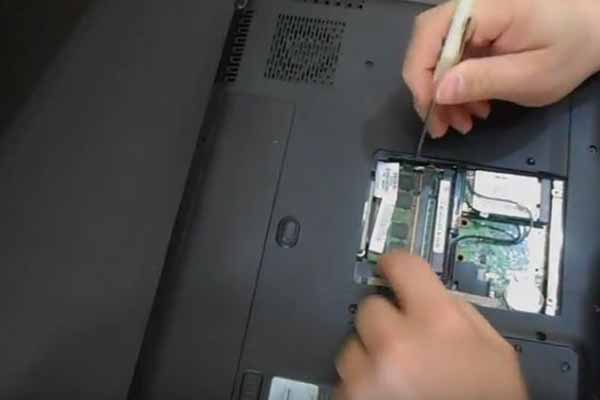
How to Replace RAM on an HP Laptop

Upgrading your RAM is one of the most effective ways to speed up a slow laptop. Learn how to safely remove and replace memory modules on an HP laptop.

Read Guide
How to replace a laptop keyboard (Hewlett Packard)

How to Replace a Laptop Keyboard on an HP

Sticky keys, broken keys, or a keyboard that stopped working entirely? This guide shows you how to replace the keyboard on an HP laptop with basic tools.

Read Guide
How to replace the Hard Drive on a laptop (HP Hewlett Packard)

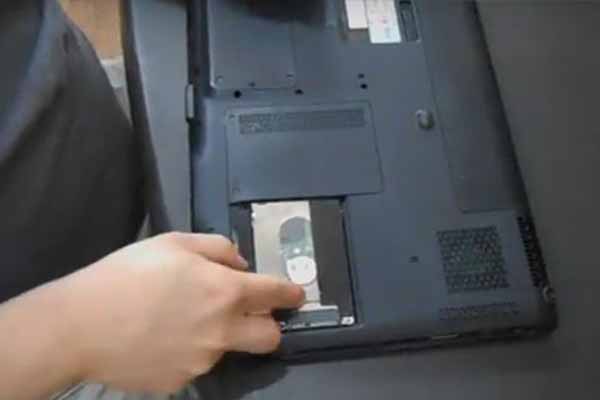
How to Replace the Hard Drive on an HP Laptop

Whether you're upgrading to an SSD or replacing a failed hard drive, this step-by-step guide covers hard drive replacement on HP laptops.

Read Guide
How to replace CMOS on laptop (HP Hewlett Packard)

How to Replace the CMOS Battery on an HP Laptop

If your laptop keeps losing the date and time, or you're seeing BIOS errors on startup, the CMOS battery may need replacing. Here's how to do it on an HP laptop.

Read Guide

Need Professional Help?

Not comfortable doing it yourself? Bring your computer to The Computer Store for a free diagnostic and professional repair.

Get Free Diagnostics